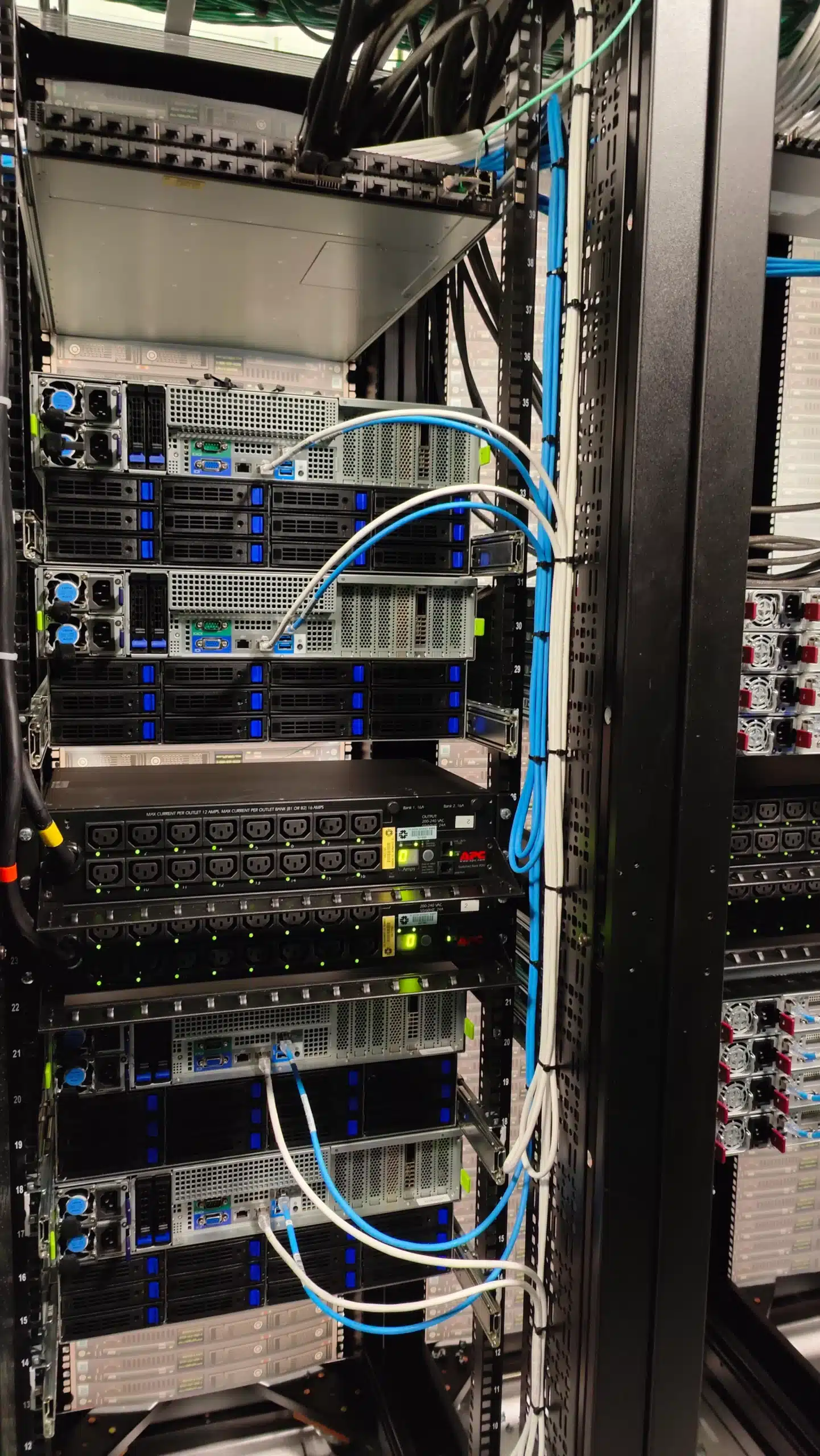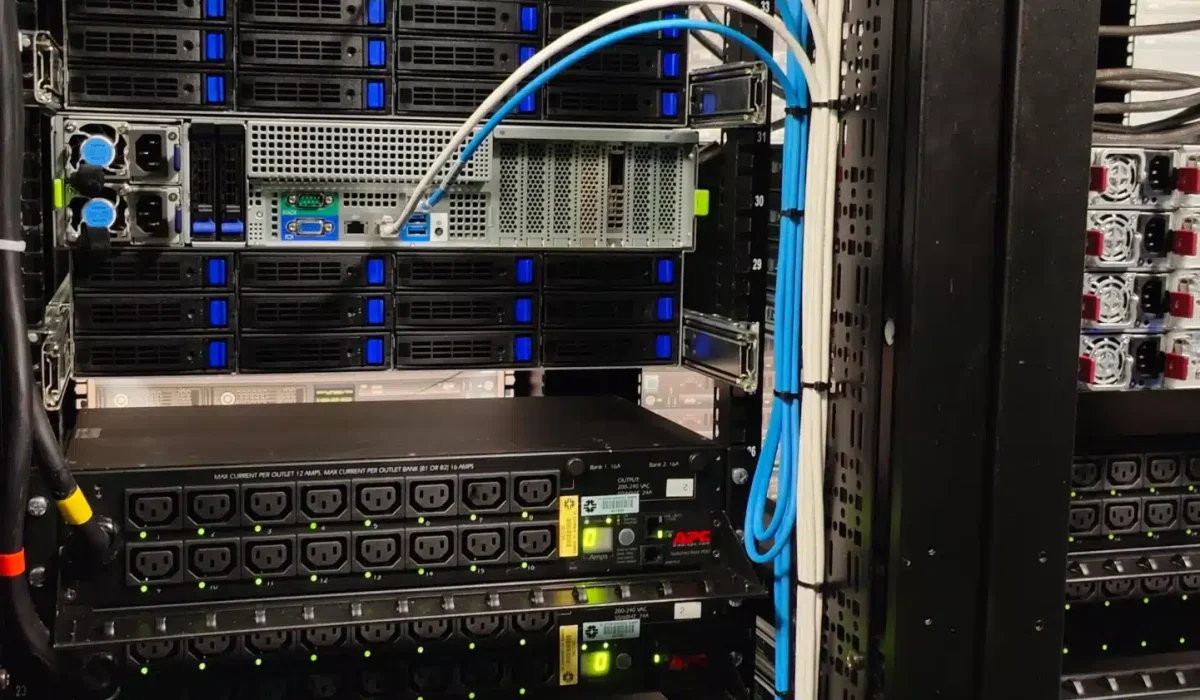
Most cluster buying decisions are evaluated on day one performance. The decisions that actually determine whether a system is still productive in year three get made quietly, in the parts of the quote nobody reads closely.
A 24-node cluster arrives, racks cleanly, passes acceptance testing, and runs the benchmark suite faster than the system it replaced. Everyone is happy. The procurement file closes.
Two and a half years later, the same cluster has four nodes down, a storage controller running firmware two major versions behind, and a queue that researchers have quietly started routing around. Nobody made a bad decision. The decisions that caused this were made at purchase, and they were about support, spares, and documentation rather than cores, memory, or interconnect.
This is the year three problem, and mid-scale systems are uniquely exposed to it.

A workstation or a single GPU server is replaceable. If it fails, you buy another one and move on. A national-lab-scale system comes with a dedicated operations staff, a facilities team, and a vendor relationship large enough that the vendor assigns named engineers to it.
A mid-scale cluster sits between those two realities and inherits the hard parts of each.
The result is a system that matters a great deal to the people who use it and almost nothing to the organizations responsible for keeping its parts available.
1.Component availability, not component failure
Hardware failure in year three is normal and expected. What surprises buyers is how hard the replacement can be to obtain. Specific DIMM configurations, a particular NIC revision, or a GPU model that was current at purchase may be out of production by the time you need the second one.
The relevant question at purchase is not how reliable the component is. It is what happens when a part that is no longer manufactured fails, and who holds the inventory that answers that question.
2. Firmware and driver drift
A cluster is a set of components whose firmware versions were tested together once, at integration. Over three years, security advisories and driver dependencies push individual components forward at different rates. The cluster that was a validated stack at delivery becomes a collection of parts at slightly different versions, and the interactions between them are nobody specific job to understand.
Teams usually discover this when a routine security patch breaks a workload that ran fine the week before, and the troubleshooting has to begin from scratch because the original integration configuration was never documented in a form anyone can still read.
3. Support contracts that cover the wrong layer
Most mid-scale buyers hold several support agreements, and the gaps between them are where year three incidents live. The node vendor covers nodes. The storage vendor covers storage. The switch vendor covers the fabric. The scheduler is open source and covered by nobody.
When a job fails intermittently in a way that could be the interconnect, the storage, or the scheduler configuration, each vendor can truthfully say the problem is not in their layer. The buyer is left to coordinate a diagnosis across three companies with no shared incentive to reach one.
4. The person who understood it leaves
This is the most common and least discussed failure mode. The postdoc who built the environment finishes. The systems administrator takes a role elsewhere. What they knew about the cluster existed in their head and in a handful of shell scripts in a home directory.
The institutional knowledge loss is usually more expensive than any hardware fault, because it turns every subsequent problem into an investigation.
These questions cost nothing to ask during evaluation and are almost impossible to renegotiate afterward. Ask them of every vendor on your shortlist, and ask for the answers in writing.

At some point in year three, most mid-scale operators reach the same fork: partial refresh or full replacement. The economics are not obvious, and the right answer depends on constraints that were set at purchase.
Consideration | Favors partial refresh | Favors full replacement |
Fabric capability | Current interconnect still has headroom for newer nodes | Fabric is the bottleneck and cannot be extended |
Power and cooling | Rack has thermal and power margin for denser nodes | Facility limits were reached at original install |
Management plane | Provisioning and monitoring tooling handles mixed generations | Tooling assumes homogeneous nodes |
Workload mix | A subset of jobs needs newer capability, the rest run fine | Entire workload has shifted, for example toward GPU-heavy AI training |
Budget shape | Smaller recurring capital available annually | One larger capital event is easier to fund than several small ones |
Support position | Existing system still under a supportable contract | Support has lapsed or spares are no longer obtainable |
Notice how many rows in that table are decided at original purchase rather than at refresh time. Fabric headroom, power margin, and whether the management tooling tolerates mixed generations are all specification choices. A buyer who wants the option of a partial refresh in year three has to buy for it in year zero.
Conference season is the one time a buyer can put the same question to a dozen vendors in two days and compare the answers side by side. That is a rare evaluation opportunity, and most of it gets spent on performance questions that the specification sheet already answers.
The questions above are more useful in a booth conversation than any benchmark discussion, for a simple reason: specification numbers are published and verifiable later, while support posture, spares strategy, and documentation practice are not. The only reliable way to assess them is to ask a person and watch how readily the answer comes.
A vendor who can describe their spares strategy for your configuration without checking has thought about year three. A vendor who needs to follow up has told you something useful too.
Mid-scale clusters rarely fail because the wrong hardware was selected. They become unproductive because the support model, the spares position, and the documentation were treated as procurement paperwork rather than as part of the technical specification.
Those are specification decisions. Treat them that way while you still have leverage, which is before the purchase order is signed.