Home/Blog/Computational Science: 2026 Checklist for Computational Science Readiness
Checklist for Computational Science Readiness:
Last Modified: May 15, 2026
Introducing Computational Science:
As technologies continue to advance, computational science is entering a new era of capabilities and complexities. With applications spanning from Finite Element Analysis and Computational Fluid Dynamics to AI-accelerated simulation, engineers are working with larger datasets, intricate models, and a large volume of parallel workloads.
Computational Science is breaking limitations and is driving innovation across every major industry from agriculture and aerospace to manufacturing and drug discovery. As computational science models continue to grow in size and intelligence, the performance of the hardware beneath becomes a defining factor to the overall success of the computational science solution.
Computational Science refers to usage of high-performance computing to model, simulate, and analyze complex physical systems. Computational Science integrates the concepts behind mathematics, computer science, and domain-specific sciences to create models that run simulations, as opposed to being reliant on physical prototypes or analytical equations. Computational science applications like CFD are often ran on software systems like ANYSYS or COMSOL Multiphysics.
Benefits of Running Computational Science Applications:
Predicting fluid flow and turbulence
Analyzing structural stress and deformation
Modeling heat transfer and thermodynamics
Simulating electromagnetic fields
Running Multiphysics interactions
Accelerating research with AI-driven models
These workloads require massive parallel compute, GPU-acceleration, high-bandwidth memory, and fast storage. Computational Sciences can be used across a broad scope of industry sectors, ranging from IT, healthcare, finance, and energy.
Why Ace Computers is the Right Partner
Ace Computers has spent over 40 years supplying trusted solutions to the federal government, state and local government agencies, higher-education institutions, and many others. All our systems are built and assembled in the United States and are TAA Compliant.
Ace Computers has collaborated closely with software vendors, research teams, and industry partners for validating updates, optimizing performance, and co-develop systems. Ace offers a unique hands-on engineering approach, so we are able to make sure all of our customers are given solutions that are not only high-powered but built for their environment.
Over 40+ Years of Specialized Engineering
U.S-Built Systems & Trusted Supply Chains
High-Performance Hardware for Scientific Workloads
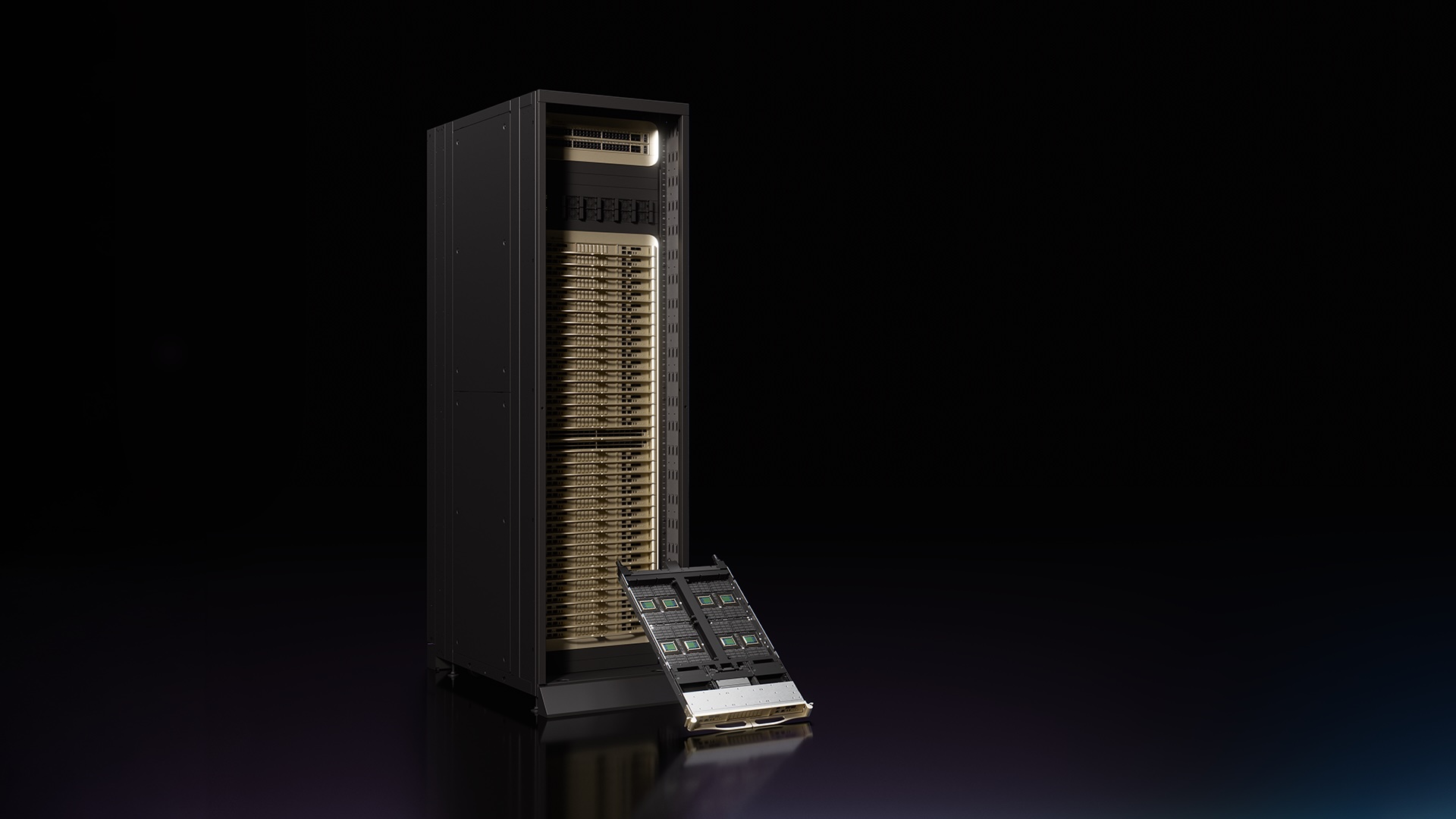
Ace Computers introduces its very own line of HPC Servers with the Powerworks Series. The Powerworks Series is built to supply all the high-compute power required for running computational science applications. The Powerworks Series is built to accelerate the speed and performance of your computational tasks. These servers are also built with AI-ready architecture and scalable compute density for future upgrades.
The Powerworks Series is engineered for simulation-heavy environments that require the following.
A common misconception about software is that software is reliant on it’s own powering, however all simulation software is only as fast and strong as the hardware on which it runs. The most common types of software in computational sciences are ANYSYS, COMSOL Multiphysics, and GROWMACS; each software requires certain hardware specs for running as smoothly as possible.
ANYSYS Mechanical/ FEA:
ANYSYS benefits from high-frequency cores for preprocessing, as well as using GPU acceleration for matrix operations. Ansys is known for requiring ECC memory to ensure long-duration stability.
COMSOL Multiphysics:
COMSOL Multiphysics is built to be extremely memory-intensive, and requires both CPU parallelism and GPU-acceleration. COMSOL is also reliant on fast NVMe storage for large model checkpoints.
GROWMACS:
GROWMACS is an extremely high-performance software built for molecular dynamic simulations, typically used for biochemical simulations. GROWMACS is known for its high efficiency and versatility as GROWMACS allows research to see the actual structural dynamics and interactions of macromolecules in great detail.
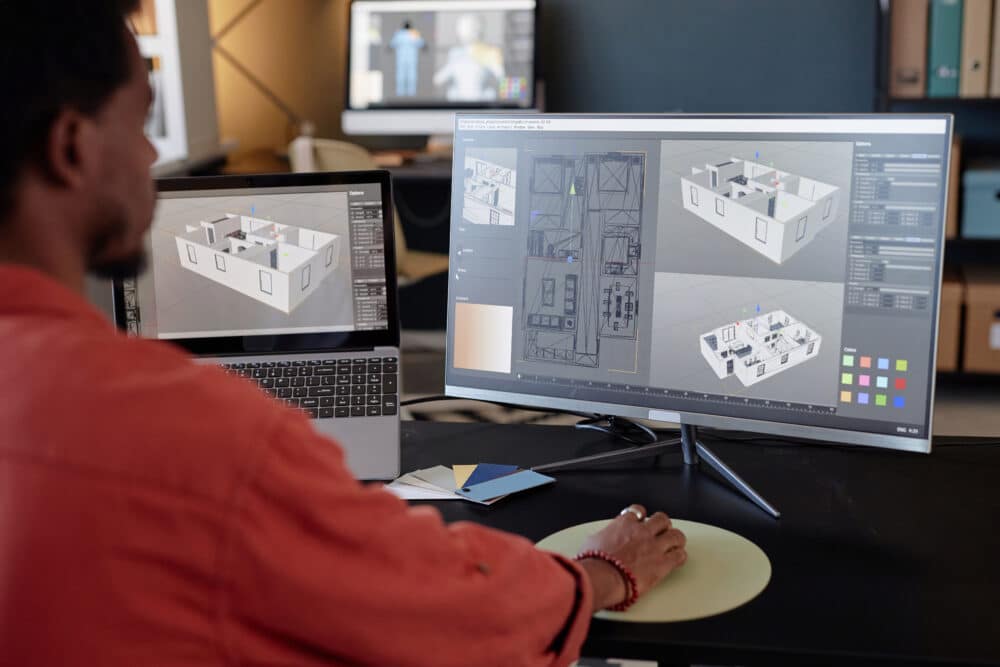
The Powerworks Series is built to support and accelerate both. Ansys has the capabilities to run computational fluid dynamic algorithms. To run CFD on Ansys a user needs to simply import geometry using CAD software, then the user will create a mesh with tools like SpaceClaim to divide the geometry into small cells and discretize the solution domain. After the first two steps are set up, simply define boundary conditions for the simulation, such as inflow/outflow conditions. Finally run the user will be able to run CFD on Anysys and then process lab results.
Computational Science Readiness Checklist:
To make sure that your systems are ready for computational science, follow along with our checklist as we go over the key points of preparing your systems for computational science software.
CPU:
Look to have 32-96 cores so your solvers will have enough parallel power to run efficiently.
Choose a CPU with a high boost clock speed to maximize preprocessing, meshing, and geometry work.
GPU:
Use-enabled GPUs like the RTX 5090, RTX 600 Ada, or H100 to help with heavy math workloads behind applications like CFD, FEA, and Multiphysics.
Be sure to have at least 24-80GB of VRAM, depending on the size on complexity of your intended models.
Memory:
Select DDR5 ECC memory for stability and long simulation run times.
Plan for at least 128GB, and 256-1TB for larger or Multiphysics workloads.
Storage:
Choose PCIe Gen 4 or Gen5 NVMe SSDs to save time during loading, saving, and keeping preprocessing fast.
Chose RAID configurations if you are looking for redundancy or higher sustained throughput.
HPC & Networking:
Make sure that your environment is scalable across multiple nodes if you are planning to run distributed or cluster-based simulations.
Software Optimization:
Use GPU-accelerated solvers wherever possible to cut solve times drastically.
make sure CUDA drivers and simulation software is kept up to date for maximum performance.
Make sure to check that you have the correct parallel licensing to unlock all your CPU and GPU resources (Certain software requires that users have a specialized license to use a certain number of CPU cores).
AI-Assisted Simulation:
Make sure your GPUs support Ai inference for surrogate models and hybrid workflows.
Stay ahead of AI + CFD/FEA regulations as they become the standard in 2026.
Infrastructure:
Be sure to install proper cooling in your systems for high-load simulations
Confirm that your PSU and motherboard are able to provide the stability you need to power all your GPUs at full.
The Future of Computational Science
Computational Science is set to bring forth innovation and take the world of technology into new heights. No matter the software you are running, the Ace Powerworks servers are built to deliver the required performance, reliability, and scalability for 2026 simulations. While choosing the software application is imperative, it is critical not to underestimate the importance of the hardware on which your software will run.
Ace Computers offers a wide variety of high-performance servers fit for CFD, ANYSYS, COMSOL, or AI-accelerated modeling. All our Powerworks Servers are built with higher core counts CPUS (Threadripper, EPYC), CUDA enabled GPU acceleration, DDR5 ECC memory, and NVMe storage for large data sets. If you have any questions or would like to speak to an expert, please use our contact us form.